> ## Documentation Index
> Fetch the complete documentation index at: https://tools.lunchpaillabs.com/llms.txt
> Use this file to discover all available pages before exploring further.
> Get started with the Daily video conferencing plugin for Bubble.
# Getting started
## What is Daily?
[Daily](https://www.daily.co/) is a platform for video and audio chat. The Daily plugin for Bubble, maintained by [Lunch Pail Labs](https://www.lunchpaillabs.com), makes it easy to integrate real-time communication into your app.
## Feature Overview
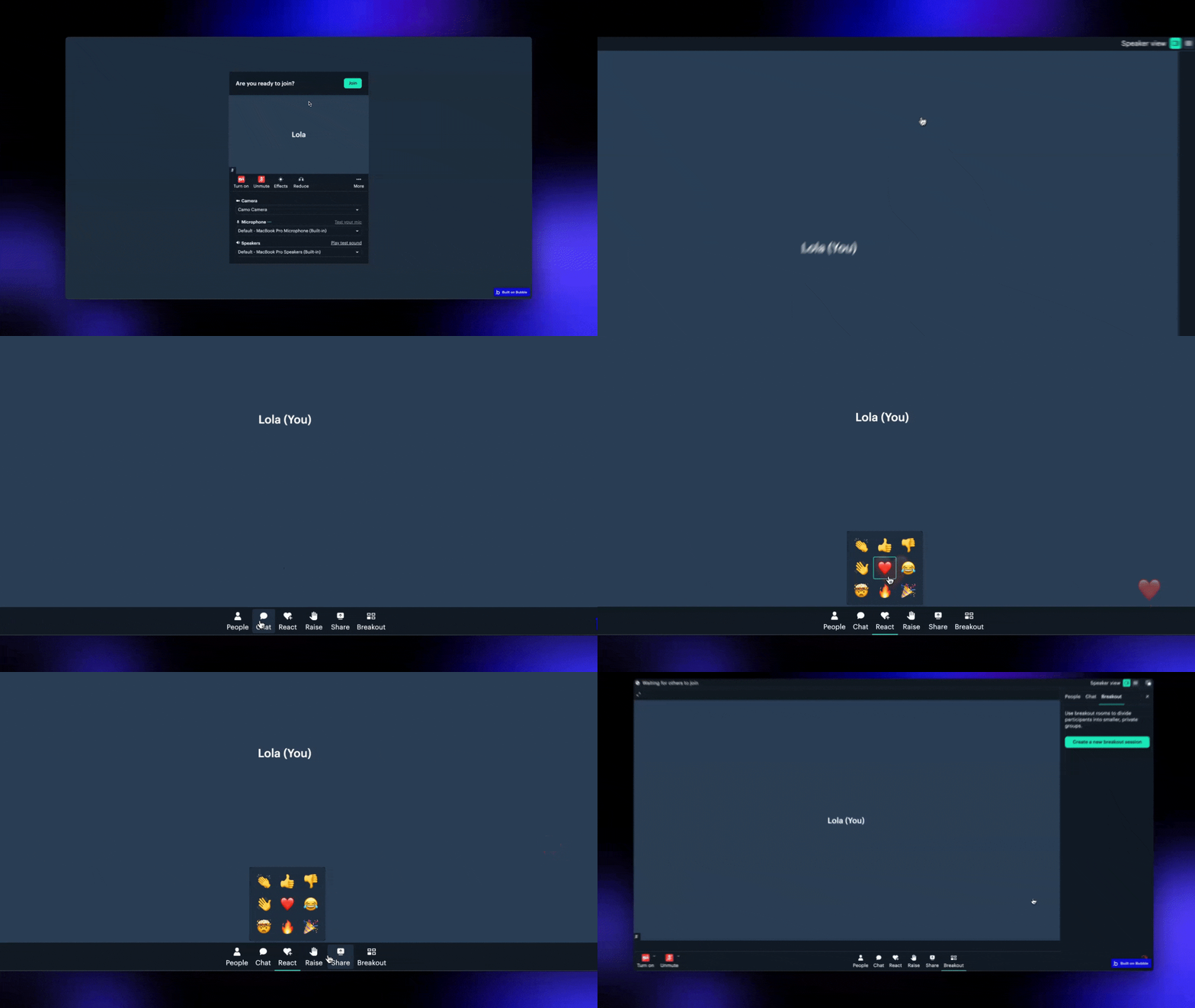
The [**free version**](https://bubble.io/plugin/daily-video-chat-1622494385281x917140771709124600) of the plugin provides core video and audio call features. The [**Bundle version**](https://bubble.io/plugin/video-audio--live-bundle-1727441795463x240182085842370560) includes an advanced version of the Daily plugin along with additional plugins for building enhanced media experiences. Learn more about the bundle [here](/bubble/video-audio-live-bundle/getting-started).
| **Feature** | **Free Version** | **Bundle Version** |
| ------------------------------------------------ | :--------------: | :----------------: |
| **Video Calls** | ✅ | ✅ |
| **Audio Calls** | ✅ | ✅ |
| **Shared Chat History** | ✅ | ✅ |
| **Embed Daily Prebuilt Interface** | ✅ | ✅ |
| **Start Breakout Rooms** | ✅ | ✅ |
| **Room-Based Conferencing** | ✅ | ✅ |
| **Participant Controls** | ✅ | ✅ |
| **Live Streaming** *(pay as you go)* | ✅ | ✅ |
| **Record Calls** *(pay as you go)* | ✅ | ✅ |
| **Embed Third-Party Apps** (e.g., Miro, Figma) | ❌ | ✅ |
| **Custom Buttons in Call Interface** | ❌ | ✅ |
| **Media Player for Recordings & Live Streams** | ❌ | ✅ |
| **Webhooks** *(pay as you go)* | ❌ | ✅ |
| **Real-Time Transcription** *(pay as you go)* | ❌ | ✅ |
| **Store Transcripts** *(pay as you go)* | ❌ | ✅ |
| **HLS Live Streaming via Mux** *(pay as you go)* | ❌ | ✅ |
## Watch the Tutorial
Learn how to set up and use the plugin in just a few minutes by watching the video below:
## What Can You Build?
Here's a quick overview of what you can build with the plugin:
Create and manage high-quality video calls.
Stream video calls live to platforms like YouTube or Twitch.
Allow only the call owner to share their screen.
Generate live meeting transcripts for note-taking or accessibility.
Embed apps like Miro, Figma or Google Docs in your calls and collaborate in
real-time.
## Installation and Setup
Install the
[**free**](https://bubble.io/plugin/daily-video-chat-1622494385281x917140771709124600)
or
[**Bundle**](https://bubble.io/plugin/video-audio--live-bundle-1727441795463x240182085842370560)
version based on your needs.
[Sign up for Daily](https://dashboard.daily.co/u/signup). Note: Daily now
requires a credit card for all accounts, including the Free tier. Your card
won't be charged as long as you stay within the Free tier limits. [Add a
credit card here](https://dashboard.daily.co/billing).
Head to the [Daily Developer
Dashboard](https://dashboard.daily.co/developers) to grab your API key.
Enter your API key in the Bubble plugin settings, starting with `Bearer`
(e.g., `Bearer 4ffad...`)
Once installed, you're ready to start hosting calls, managing participants, and leveraging advanced features.
## Next Steps
Explore the [plugin reference](/bubble/daily/plugin-reference/actions/create-room) or check out the [how-tos](/bubble/daily/how-tos/use-daily-events) to dive deeper.
View our options for free community and priority support.
Post your feature request on our
idea board.