> ## Documentation Index
> Fetch the complete documentation index at: https://tools.lunchpaillabs.com/llms.txt
> Use this file to discover all available pages before exploring further.
# Build a livestream to Youtube app
Live streams are pay-as-you-go. You'll need to add your [credit card details
to your Daily account](https://dashboard.daily.co/billing) to enable it.
# What We’ll Build
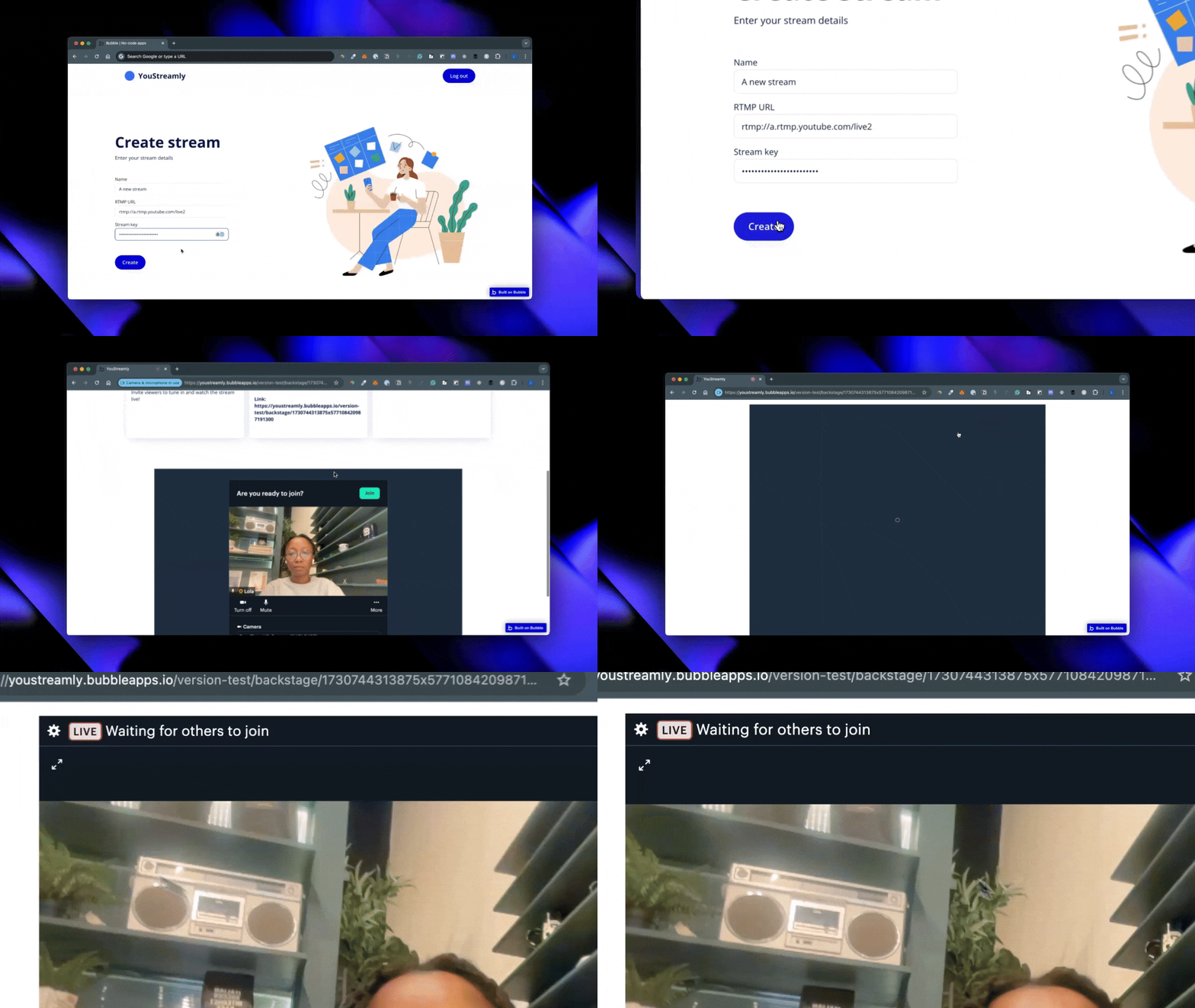
In this series, we’ll build a live streaming app that broadcasts directly to YouTube using the [**Daily Video Conferencing Plugin**](https://bubble.io/plugin/daily-video-conferencing--chat-1622494385281x917140771709124600).
Our app will include essential features:
* **User Sign-Up & Login**: A simple interface for account creation and access.
* **Stream Creation & Configuration**: Users can create live streams, set details, and share a link for others to join.
* **Backstage Area**: A backstage view for hosts and participants to join and prepare for live streaming.
Whether for Q\&As, webinars, or virtual meetups, this app will allow users to bring audiences together on YouTube with a few clicks.
# View the Sample Project
While the series walks you through each step, you can also explore a finished version in the [**sample editor**](https://bubble.io/page?id=youstreamly-33216\&tab=tabs-1\&name=index). Please note that, for security, sign-ups are disabled and API keys have been removed.
# Series Overview
* **Part 1**: [Setting Up Bubble and Installing the Plugin](https://lunchpaillabs.com/blog/create-a-youtube-live-streaming-app-with-bubble-part-1)
* **Part 2**: [Designing the Home Page and Creating Stream Workflows](https://lunchpaillabs.com/blog/create-a-youtube-live-streaming-app-with-bubble-part-2)
* **Part 3**: [Designing the Backstage View and Going Live](https://lunchpaillabs.com/blog/create-a-youtube-live-streaming-app-with-bubble-part-3)
By the end, you’ll have a fully functional live-streaming app with all the essentials for sharing live events on YouTube.
View our options for free community and priority support.
Post your feature request on our
idea board.