> ## Documentation Index
> Fetch the complete documentation index at: https://tools.lunchpaillabs.com/llms.txt
> Use this file to discover all available pages before exploring further.
# Getting started
This guide will help you get started with building real-time collaborative features like presence and live cursors in your Bubble app.
## What is Liveblocks?
[Liveblocks](https://liveblocks.io/) is a platform that allows users to add collaborative features to their products, such as comments, notifications, and real-time APIs. This [free Liveblocks plugin](https://bubble.io/plugin/liveblocks-by-lunch-pail-labs-1717457909317x496158240134922200) is maintained by [Lunch Pail Labs](https://www.lunchpaillabs.com), this plugin integrates a small portion of what’s possible with Liveblocks.
## Feature Overview
The [**free version**](https://bubble.io/plugin/liveblocks-by-lunch-pail-labs-1717457909317x496158240134922200) provides everything you need for core video and audio calls, while the [**PLUS version**](https://bubble.io/plugin/liveblocks-plus-by-lunch-pail-labs-1728311660139x836404352649003000) unlocks more advanced features.
| **Feature** | **Free Version** | **PLUS Version** |
| --------------------------------------- | :--------------: | :--------------: |
| **Know who's online with presence** | ✅ | ✅ |
| **Create live cursors and avatars** | ✅ | ✅ |
| **Create and Liveblock rooms** | ✅ | ✅ |
| **Broadcast custom events** | ❌ | ✅ |
| **Create and organize threads** | ❌ | ✅ |
| **Create and organize thread comments** | ❌ | ✅ |
| **Add and remove comment reactions** | ❌ | ✅ |
| **Manage inbox notifications** | ❌ | ✅ |
| **Storage** | ❌ | *coming soon* |
## Installation and Setup
You can install the free Liveblocks plugin from the [Bubble Marketplace](https://bubble.io/plugin/liveblocks-by-lunch-pail-labs-1717457909317x496158240134922200). The plus version is still in private beta [send a note](mailto:help@lunchpaillabs.com) to gain access and early bird pricing. For detailed instructions on how to install and configure the Liveblocks plugin, check out the [setup guide](/bubble/liveblocks/how-tos/set-up-plugin).
## What Can You Build?
Here’s a quick overview of the core features you can build using Liveblocks in your Bubble app:
Allow users to see who is online, track when they join or leave, and display
avatars in real-time.
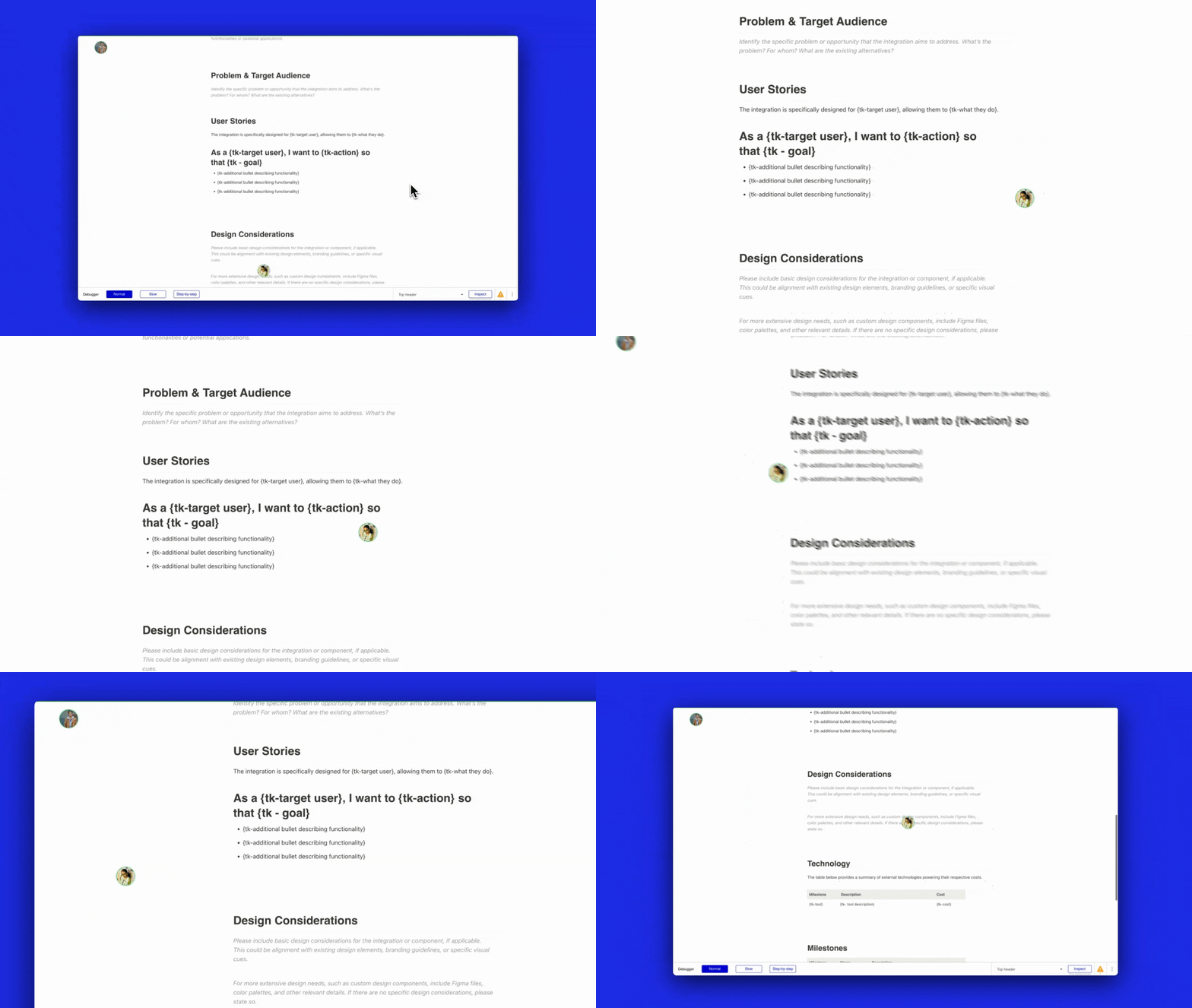
Show real-time cursor movements of users as they navigate the page,
providing a collaborative visual experience.
## Next Steps
Now that you're set up, explore the [plugin reference](/bubble/liveblocks/plugin-reference/elements/liveblocks-presence) or get started with the [how tos](/bubble/liveblocks/how-tos/set-up-plugin).
View our options for free community and priority support.
Post your feature request on our
idea board.