> ## Documentation Index
> Fetch the complete documentation index at: https://tools.lunchpaillabs.com/llms.txt
> Use this file to discover all available pages before exploring further.
# Getting started
The plugin allows you to embed customizable audio players into your Bubble app. This plugin offers [Player Style](https://player.style/) themes developed by the [Mux](https://www.mux.com/) team.
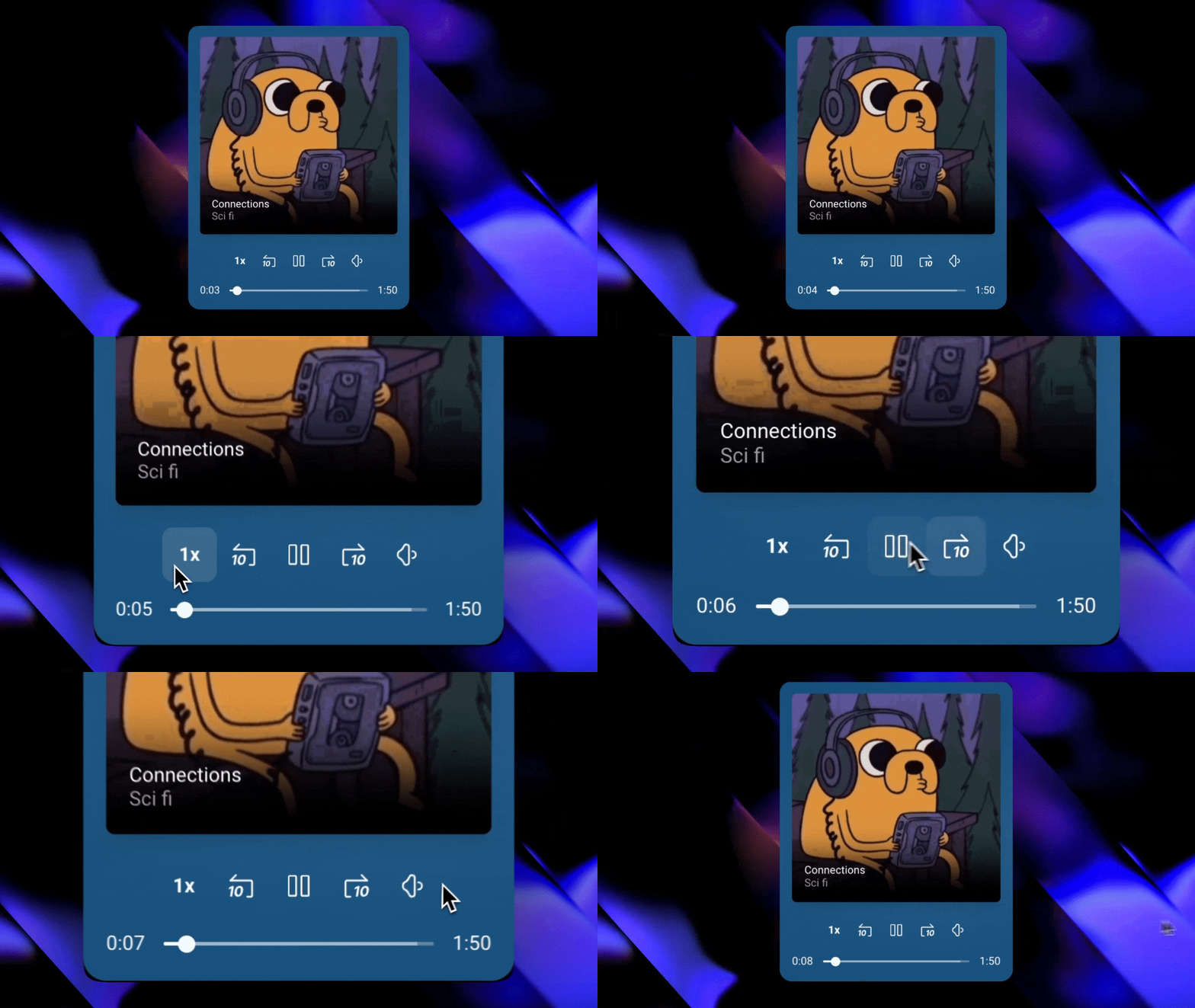
To view all the themes in action, visit the [demo page](https://integration-demos.bubbleapps.io/version-test/player-style-audio).
## Installation
Go to the [Bubble Plugin
Marketplace](https://bubble.io/plugin/player-style-audio-player-1728655235988x628822266832486400)
and install the plugin into your app.
After installation, verify that the plugin appears in your list of installed
plugins.
Once installed, embed the audio element, pick a style, input your audio
source, and you’re ready to go!
View our options for free community and priority support.
Post your feature request on our
idea board.