> ## Documentation Index
> Fetch the complete documentation index at: https://tools.lunchpaillabs.com/llms.txt
> Use this file to discover all available pages before exploring further.
# Getting started
The plugin allows you to embed video customizable video players into your Bubble app. This plugin offers **11 [player style](https://player.style/) themes** developed by the [Mux](https://www.mux.com/) team.
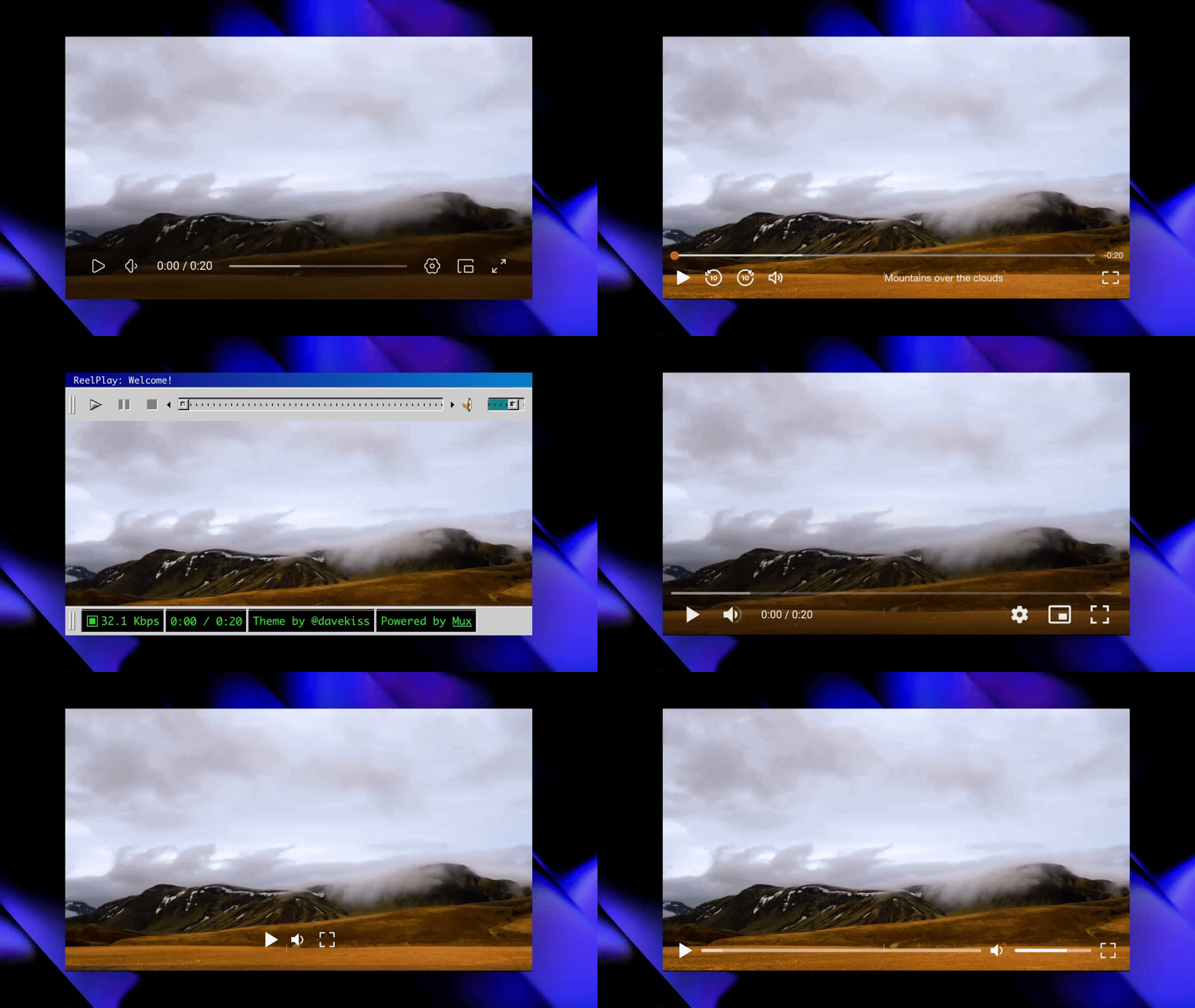
To view all the themes in action, visit the [demo page](https://integration-demos.bubbleapps.io/version-test/player-style-video).
## Installation
Go to the [Bubble Plugin
Marketplace](https://bubble.io/plugin/player-style-video-player-1728853909716x170236397512556540)
and install the plugin.
After installation, verify that the plugin appears in your list of installed
plugins.
Once installed! Embed the video element, pick a style, input your video
field, and you’re ready to go!
View our options for free community and priority support.
Post your feature request on our
idea board.