> ## Documentation Index
> Fetch the complete documentation index at: https://tools.lunchpaillabs.com/llms.txt
> Use this file to discover all available pages before exploring further.
> Build a live streaming app with the Live Stream Template from the Video, Audio & Live Bundle by Lunch Pail Labs.
# Live stream template
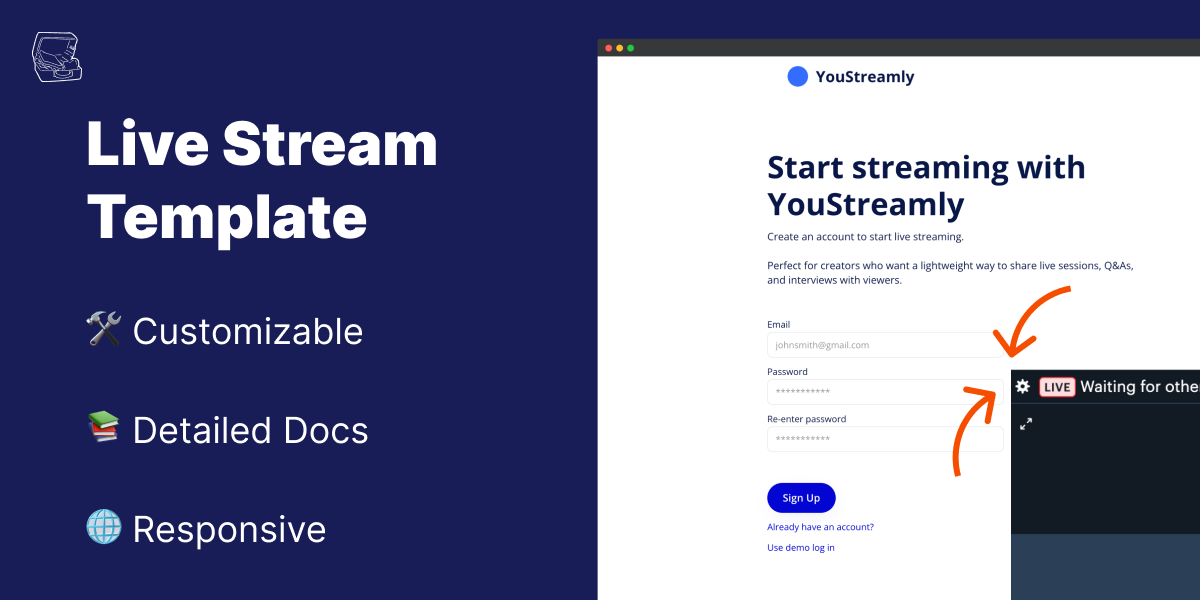
The **Live Stream Template** is a pre-built app that lets you create, configure, and host live streams natively within Bubble. Powered by the [Video, Audio & Live Bundle](/bubble/video-audio-live-bundle/getting-started), this template integrates seamlessly with Mux and Daily to enable high-quality live streaming directly in your app.
### Key features
| **Feature** | **Description** |
| ----------------------------------- | ------------------------------------------------------------------------------------ |
| **User Authentication** | Enable users to sign up, log in, and access their account to create or join streams. |
| **Stream Creation & Configuration** | Let users create streams, configure details, and share a link to viewers. |
| **Backstage View for Hosts** | A backstage area for hosts to prepare before going live. |
| **Customizable Video Player** | Stream directly in-app with a player tailored to your app’s branding. |
Download the [template from the Bubble Marketplace](https://bubble.io/template/youstreamly---live-streaming-1732419713571x257931599092383740).
Go to the [Bubble Plugin
Marketplace](https://bubble.io/plugin/video-audio--live-bundle-1727441795463x240182085842370560)
and install the **Video, Audio & Live Bundle** into your app.{" "}
Log in to your [Daily Dashboard](https://dashboard.daily.co) and generate an
API key under **Developers > API Keys**. Save the API key and add it to the
**Daily Plugin Settings** in your Bubble app.
In your Mux account, go to **Settings** and select **Access Tokens**.
Generate a new token with **Mux Video** permissions. Save the **Access Token
ID** and **Secret Key** provided, then enter them into the **Mux Token ID**
and **Mux Token Secret** fields in your Bubble plugin settings.
Run the app to test live stream creation and playback. Verify that users can
create streams and view them in the player.
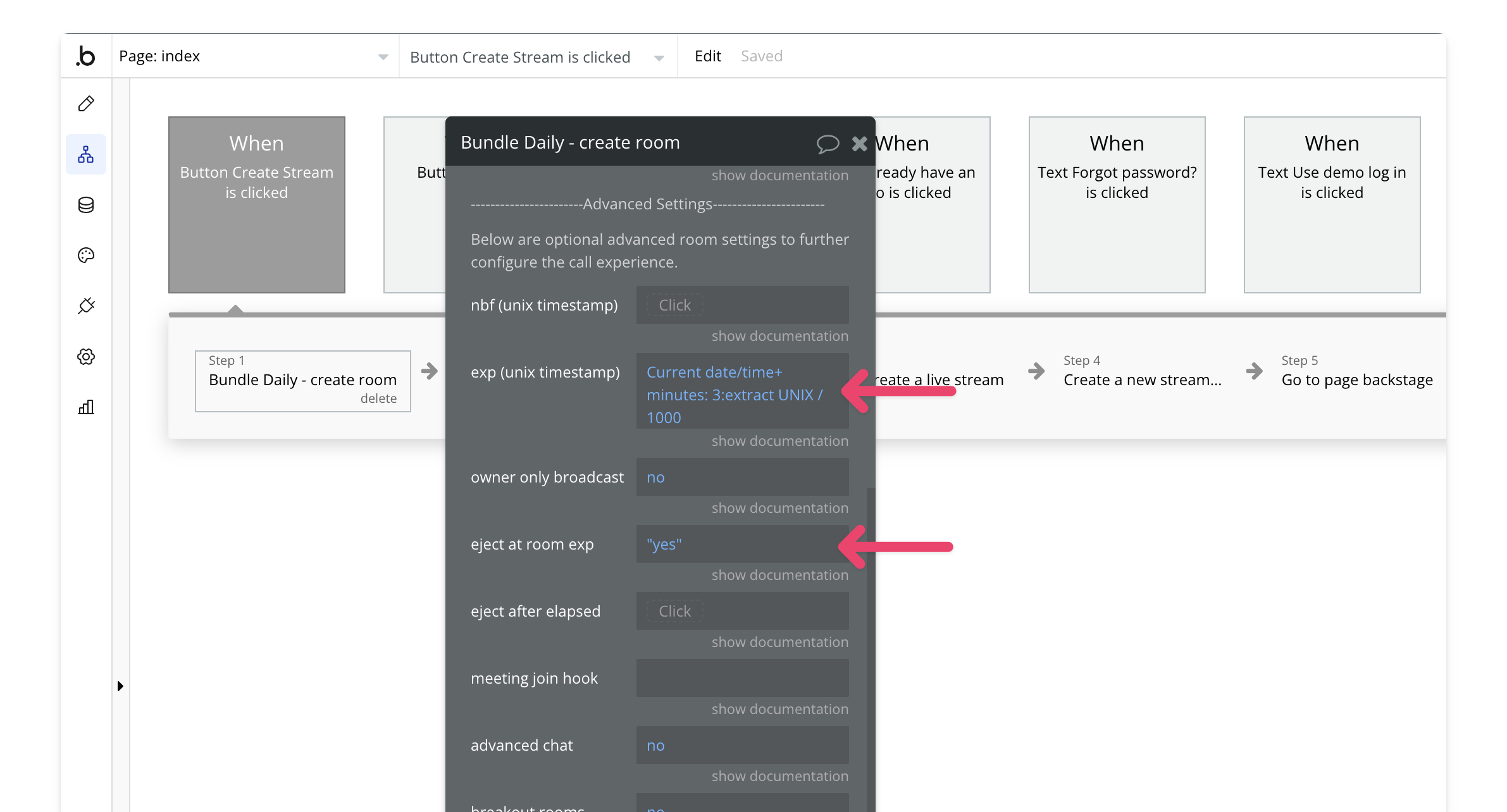
In the demo app, live streams are limited to 3 minutes. To remove this
limitation, modify the Create Stream workflow on the Index page by making exp
and eject at exp blank