

What is Daily?
Daily is a platform for video and audio chat. The Daily plugin for Bubble, maintained by Lunch Pail Labs, makes it easy to integrate real-time communication into your app.Feature Overview
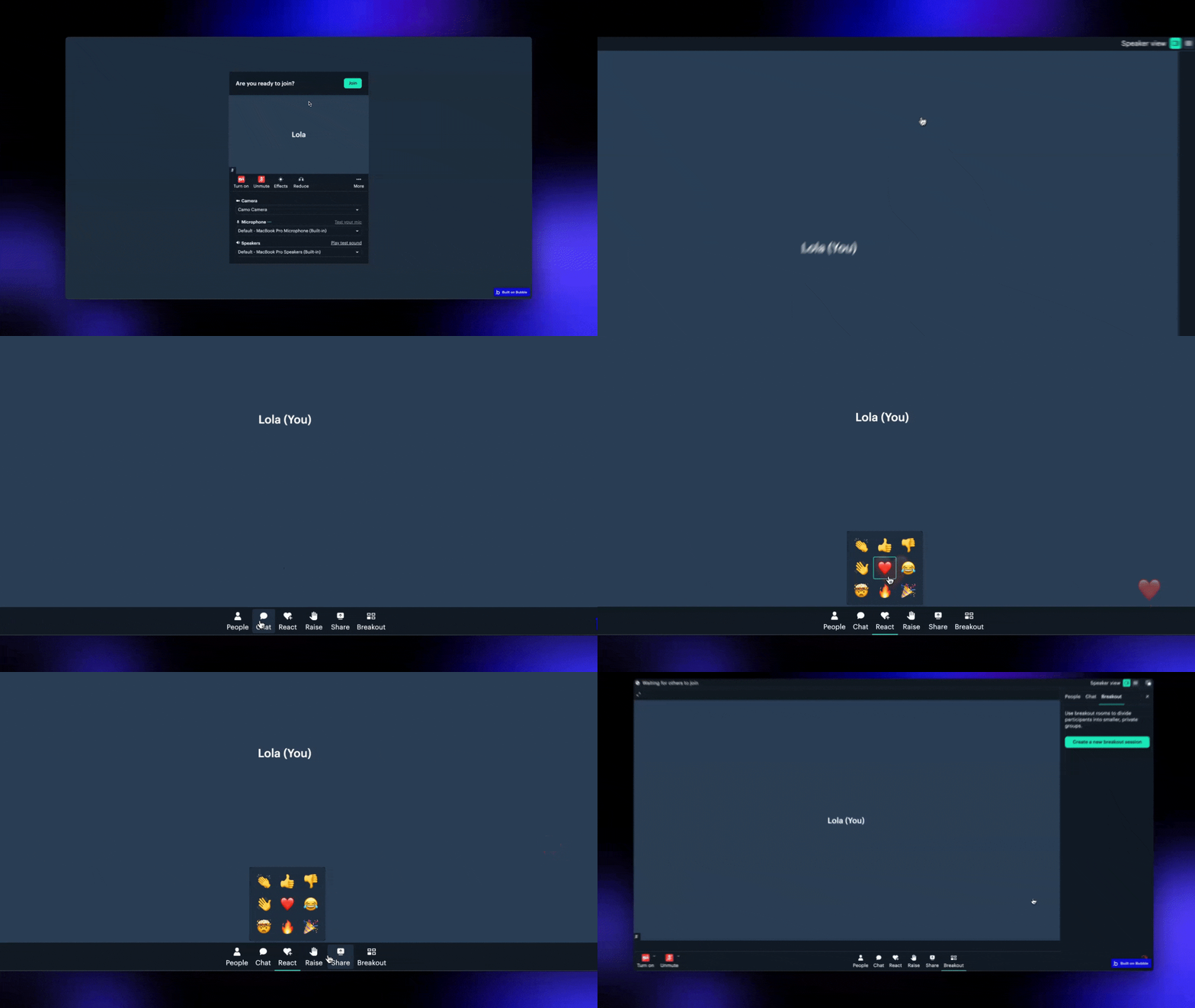 The free version of the plugin provides core video and audio call features. The Bundle version includes an advanced version of the Daily plugin along with additional plugins for building enhanced media experiences. Learn more about the bundle here.
Watch the Tutorial
Learn how to set up and use the plugin in just a few minutes by watching the video below:What Can You Build?
Here’s a quick overview of what you can build with the plugin:Video calls
Create and manage high-quality video calls.
Live streams
Stream video calls live to platforms like YouTube or Twitch.
Broadcasts
Allow only the call owner to share their screen.
Real-Time Transcriptions
Generate live meeting transcripts for note-taking or accessibility.
Collaborative Apps
Embed apps like Miro, Figma or Google Docs in your calls and collaborate in
real-time.
Installation and Setup
2
Create a Daily account
Sign up for Daily. Note: Daily now
requires a credit card for all accounts, including the Free tier. Your card
won’t be charged as long as you stay within the Free tier limits. Add a
credit card here.
3
Get Your API Key
Head to the Daily Developer
Dashboard to grab your API key.
4
Configure the Plugin
Enter your API key in the Bubble plugin settings, starting with
Bearer
(e.g., Bearer 4ffad...)Next Steps
Explore the plugin reference or check out the how-tos to dive deeper.Need Help?
View our options for free community and priority support.
Have a feature request?
Post your feature request on ouridea board.