

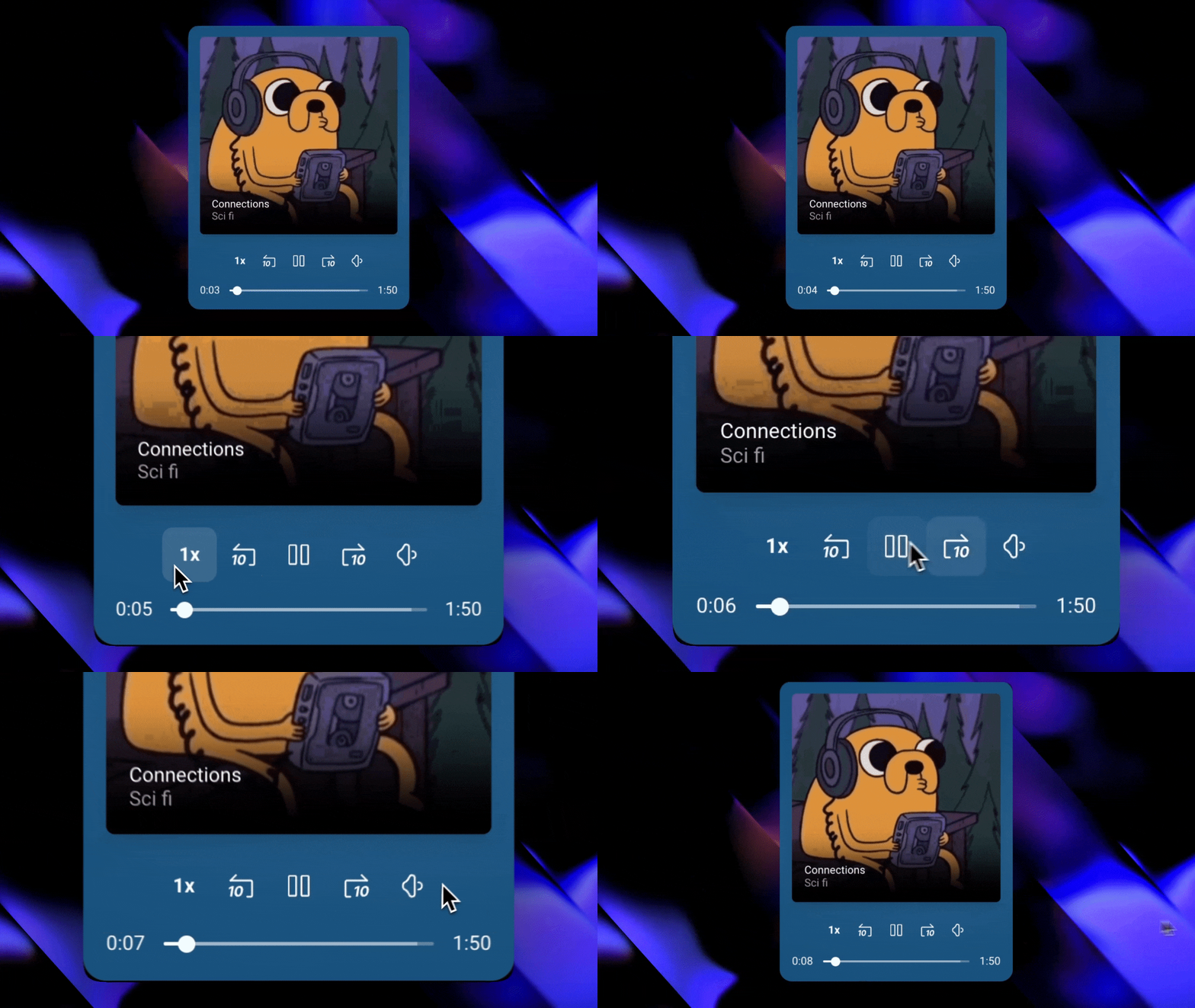
 To view all the themes in action, visit the demo page.
Installation
1
Install the plugin
Go to the Bubble Plugin
Marketplace
and install the plugin into your app.
2
Verify installation
After installation, verify that the plugin appears in your list of installed
plugins.
3
Set Up the Audio Player
Once installed, embed the audio element, pick a style, input your audio
source, and you’re ready to go!
Need Help?
View our options for free community and priority support.
Have a feature request?
Post your feature request on ouridea board.