

Video tutorial
If you prefer a video walkthrough, check out our step-by-step tutorial below. Otherwise, keep reading for the written guide:Steps
1
Set Media Type to YouTube
Go to the settings, and change the media type to 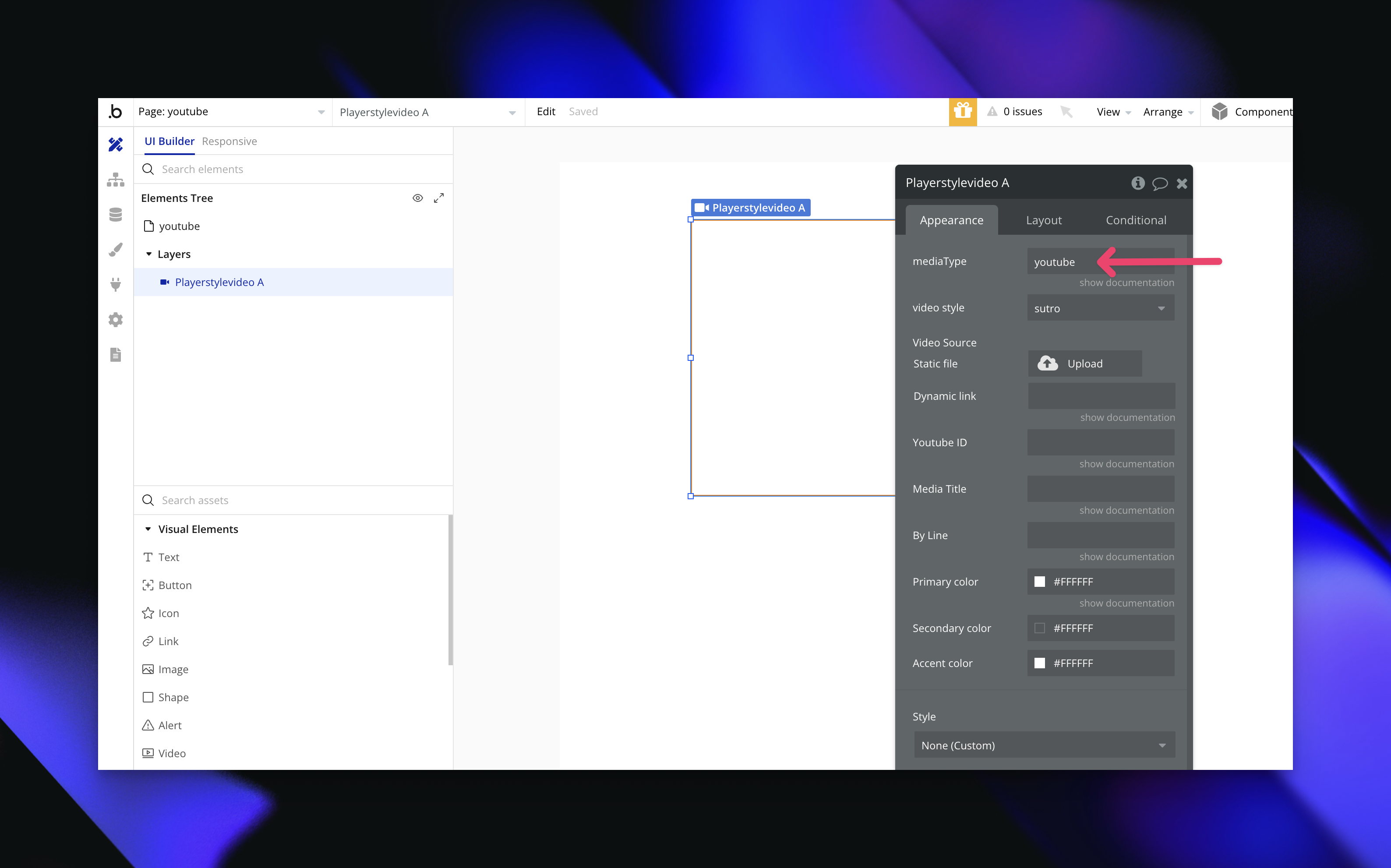
YouTube to enable YouTube as the video source.
2
Find and Add the YouTube Video ID
The YouTube video ID is the unique set of characters at the end of a YouTube URL. For example, in this URL:The video ID is 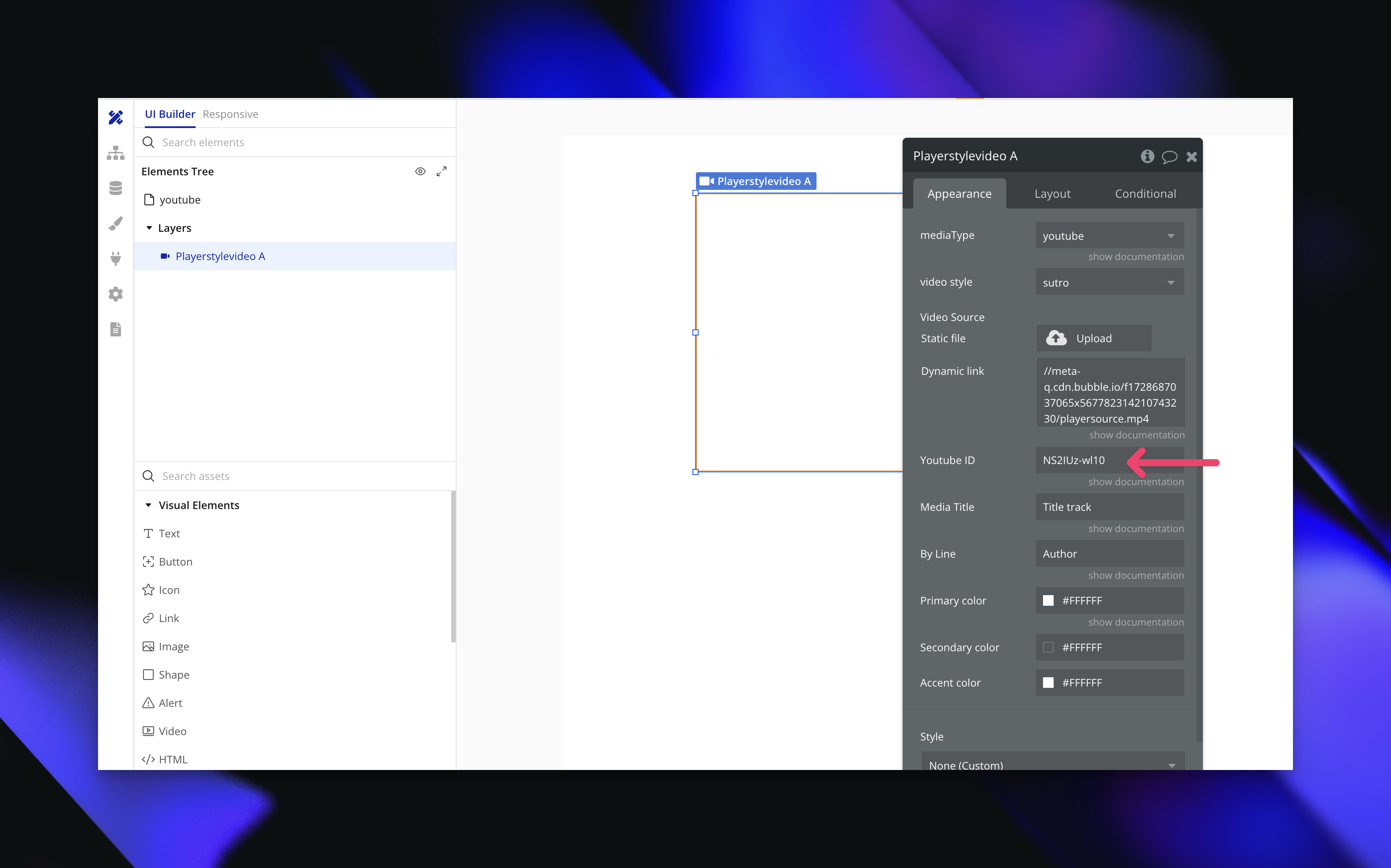
dQw4w9WgXcQ. Copy this ID and paste it into the Video ID field in the plugin settings.
3
Customize Your Player Style
Choose from 11 unique player styles to match your app’s look and feel. Experiment with different styles to find the one that best fits your app’s design and video content.
Need Help?
View our options for free community and priority support.
Have a feature request?
Post your feature request on ouridea board.